
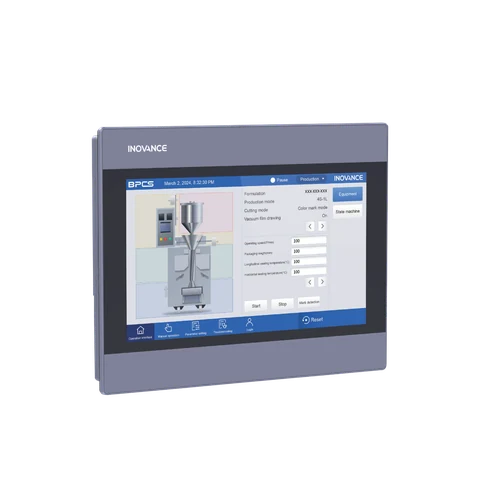
 Suggested Retrofit
ITS7070E-INT
Why this option
- 1 built-in Ethernet port.
- Documented front IP66.
- 7 in display, 800 × 480 px.
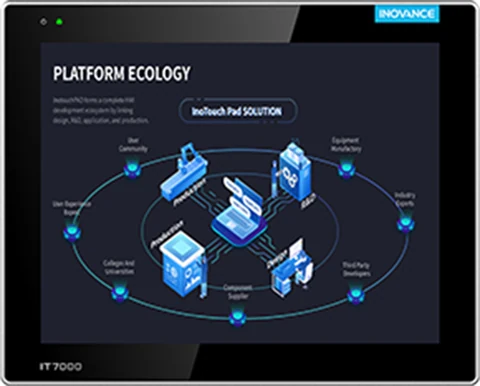
Retrofit Option
IT7070E-INT
What it covers
- 1 built-in Ethernet port.
- Documented front IP65.
- 7 in display, 800 × 480 px.
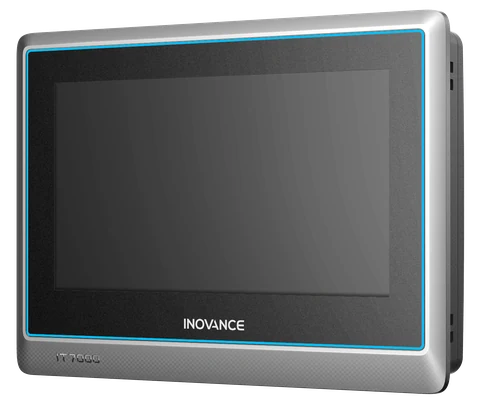
Retrofit Option
IT7070T-INT
What it covers
- Documented front IP65.
- 7 in display, 800 × 480 px.
Edit Requirements
Retrofit Equipment, Checks and Manuals
What This Retrofit Needs
- Rebuild and test the operator project, including its alarms, recipes and user permissions.
- Provide a suitable DC power supply and wiring for the AC-to-DC panel conversion.
Checks Before Quoting
- Confirm the PLC driver, controller model, network role and touch requirements.
- Measure the existing opening and check the replacement drawing before modifying the panel.
- Confirm the interface and number of connections the current controller uses.
- Confirm the smaller display leaves enough usable area for the existing screens.
Documents
ITS7000 brochure; distinct range from IT7000 - ITS7000PDFWhat This Retrofit Needs
- Rebuild and test the operator project, including its alarms, recipes and user permissions.
- Provide a suitable DC power supply and wiring for the AC-to-DC panel conversion.
Checks Before Quoting
- Confirm the PLC driver, controller model, network role and touch requirements.
- Measure the existing opening and check the replacement drawing before modifying the panel.
- Confirm the interface and number of connections the current controller uses.
- Confirm the smaller display leaves enough usable area for the existing screens.
Documents
IT7000 User Guide A00, May 2022PDFInovance IT7000 HMI — B03 selection guide, base-model hardware and mounting tablesPDFWhat This Retrofit Needs
- Rebuild and test the operator project, including its alarms, recipes and user permissions.
- Provide a suitable DC power supply and wiring for the AC-to-DC panel conversion.
Checks Before Quoting
- Confirm the PLC driver, controller model, network role and touch requirements.
- Measure the existing opening and check the replacement drawing before modifying the panel.
- Confirm the interface and number of connections the current controller uses.
- Confirm the smaller display leaves enough usable area for the existing screens.